Your day. Your team. All in one place.
Notes, lists, tasks, reminders and events. Plan on your own, or invite your team and see who is coming.
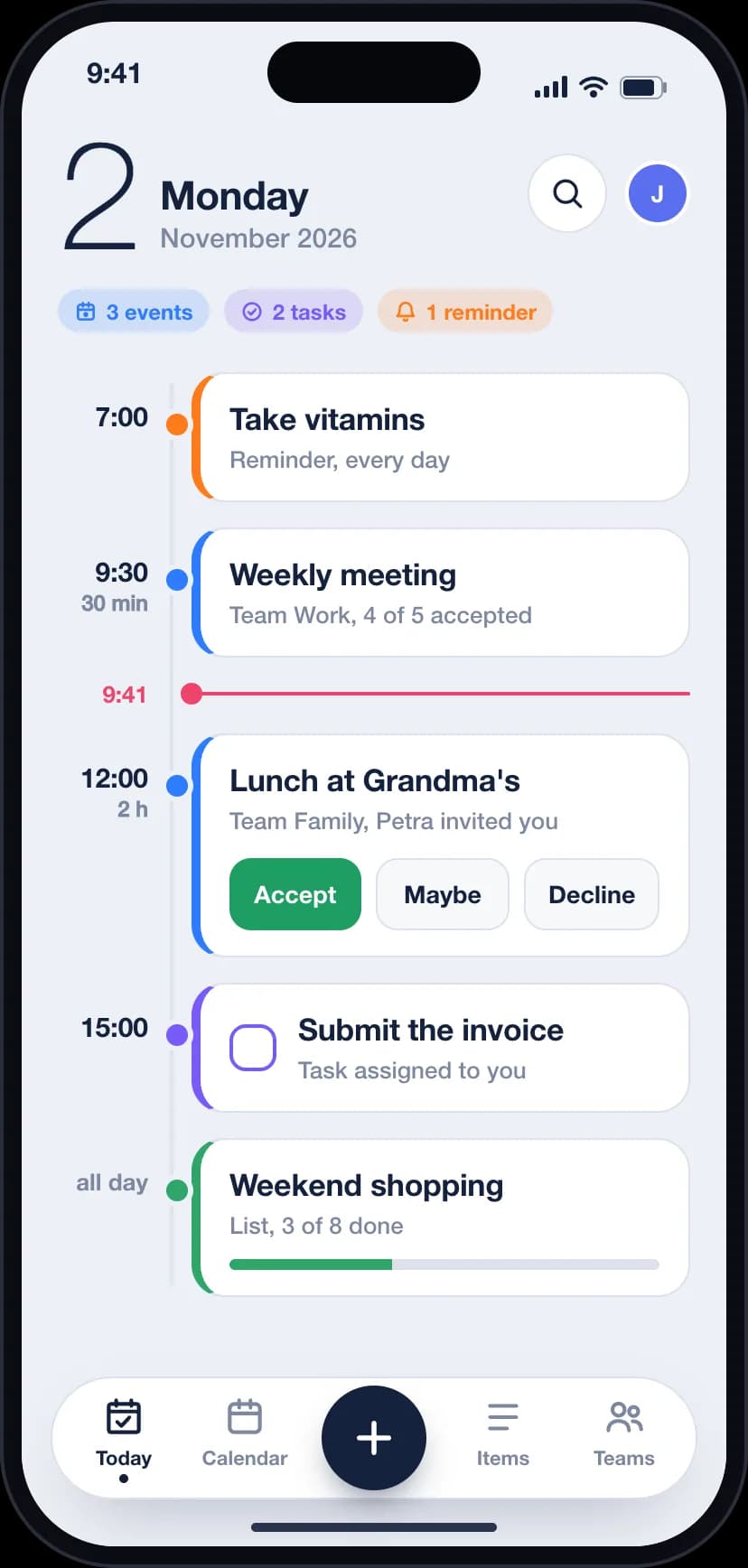
Five kinds of things, one place
Each kind has its own color, so you know what you are looking at before you read a word.
Notes
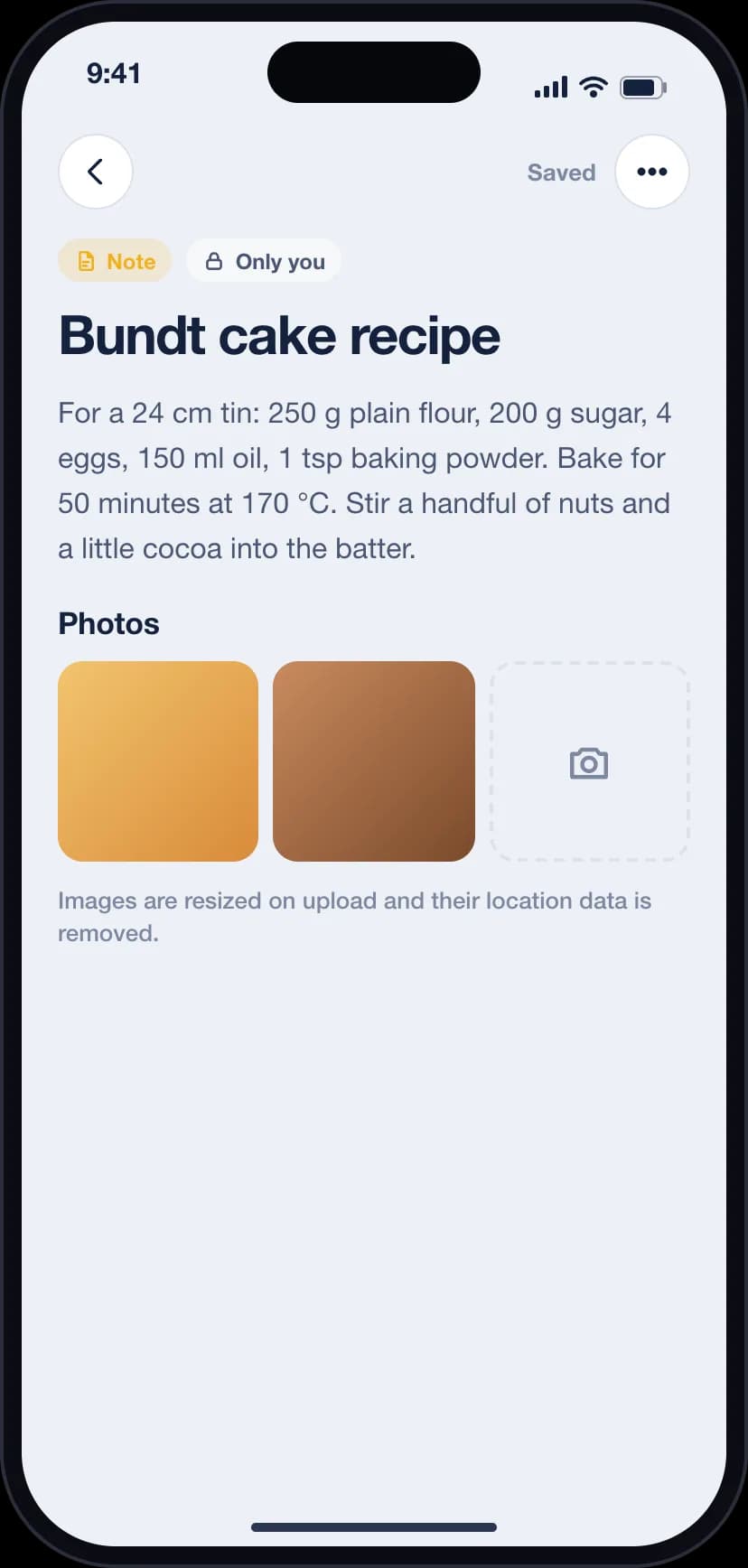
Write things down and attach photos.
Lists
Shopping, packing, anything you tick off together.
Tasks
Give them a due date and assign them to someone.
Reminders
Once, or every day at the same time.
Events
Invite your team and collect replies.
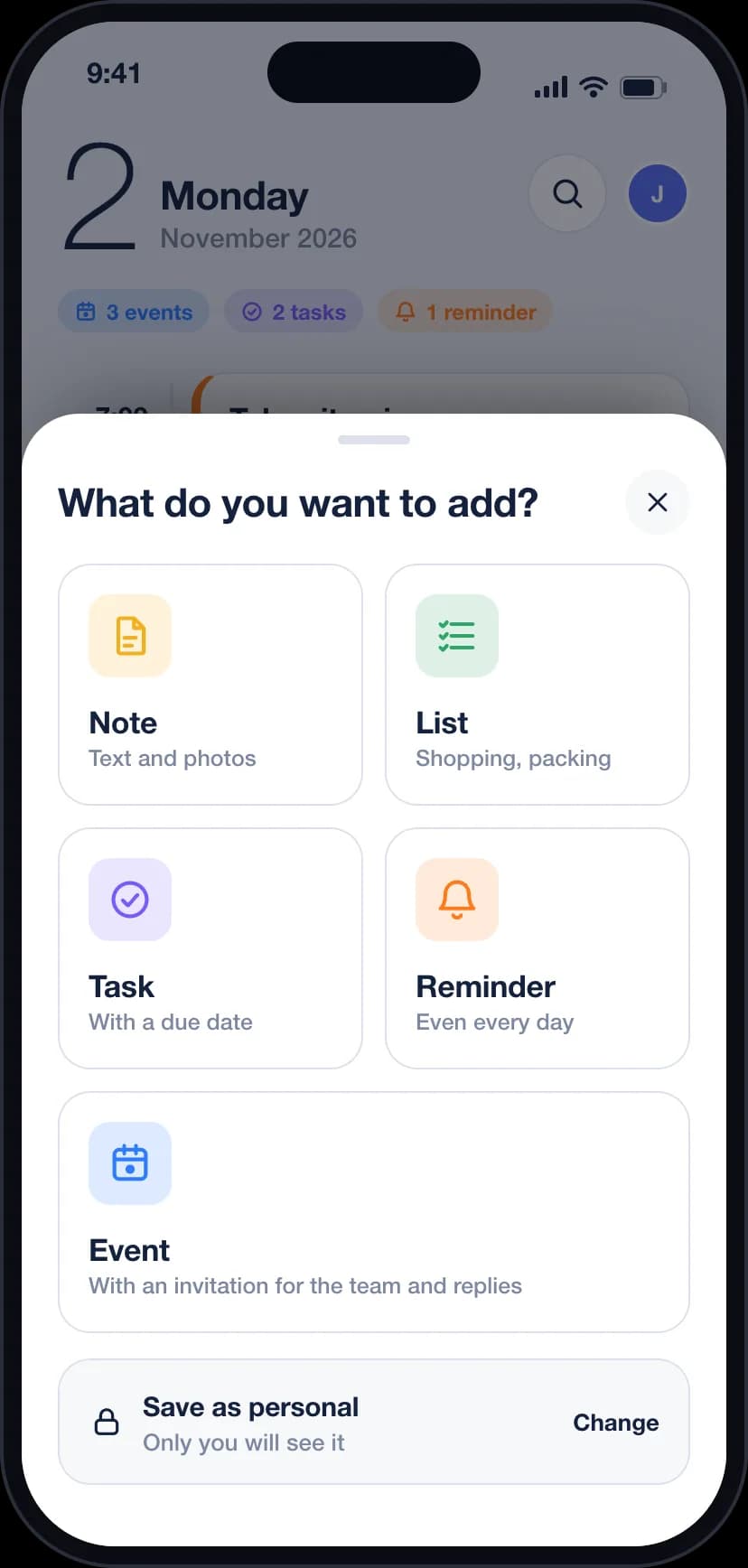
- 7:00Take vitamins
- 9:30Weekly meeting
- Now
- 12:00Lunch at Grandma's
- 15:00Submit the invoice
Your whole day on one timeline
Today shows reminders, events and tasks in the order they happen, with a line that marks right now.
- Answer an invitation right from the card.
- Tick off tasks without opening them.
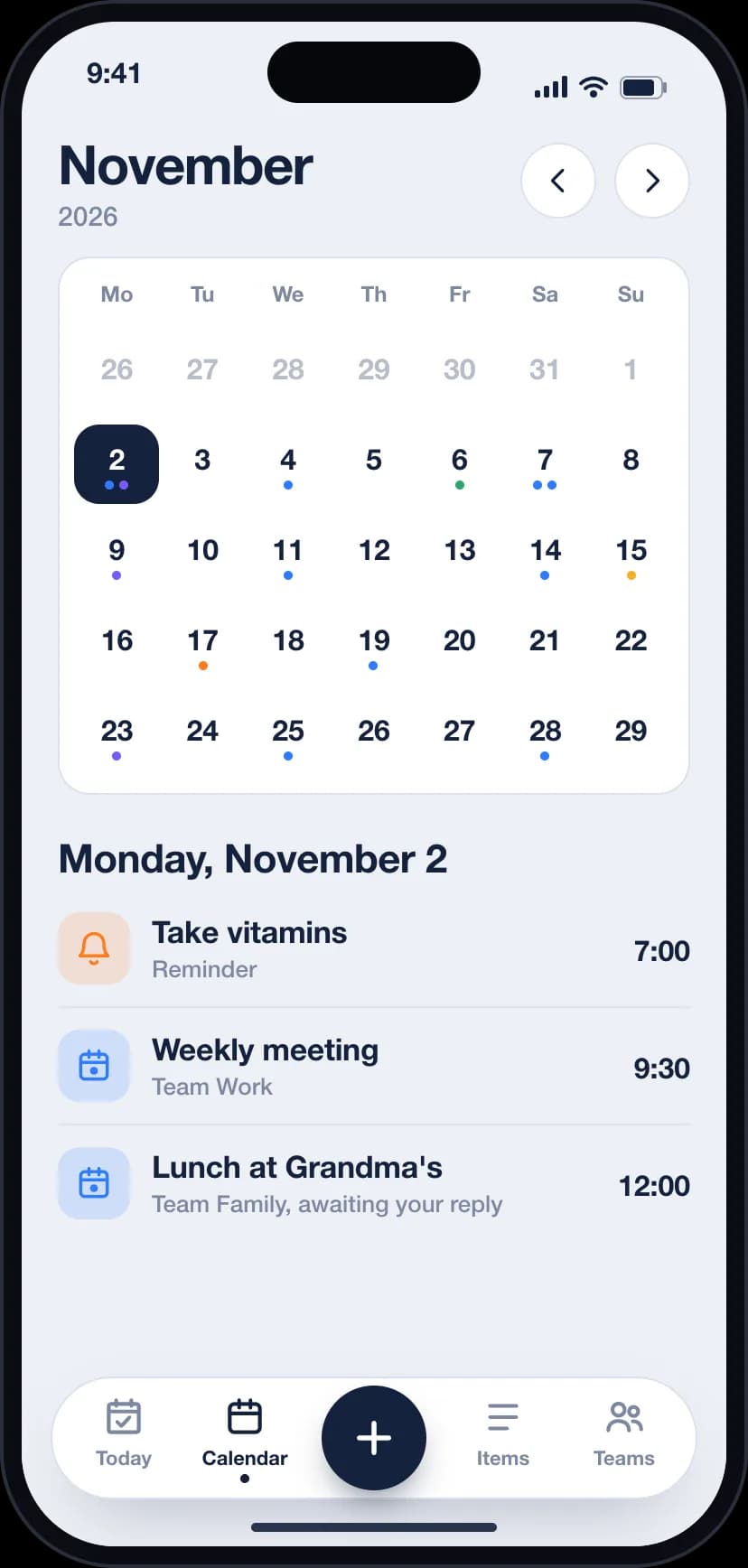
- Swipe to the calendar to see the month at a glance.
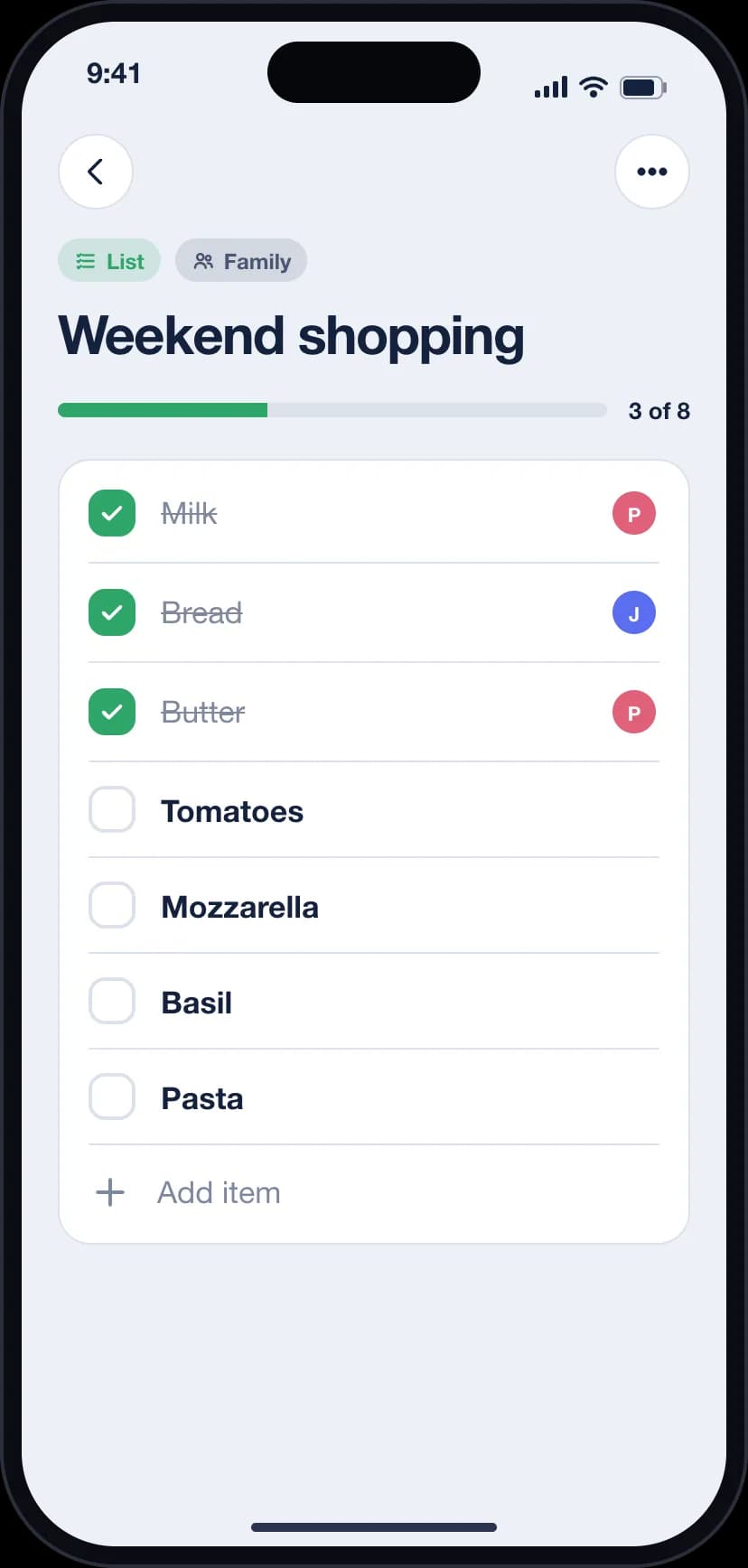
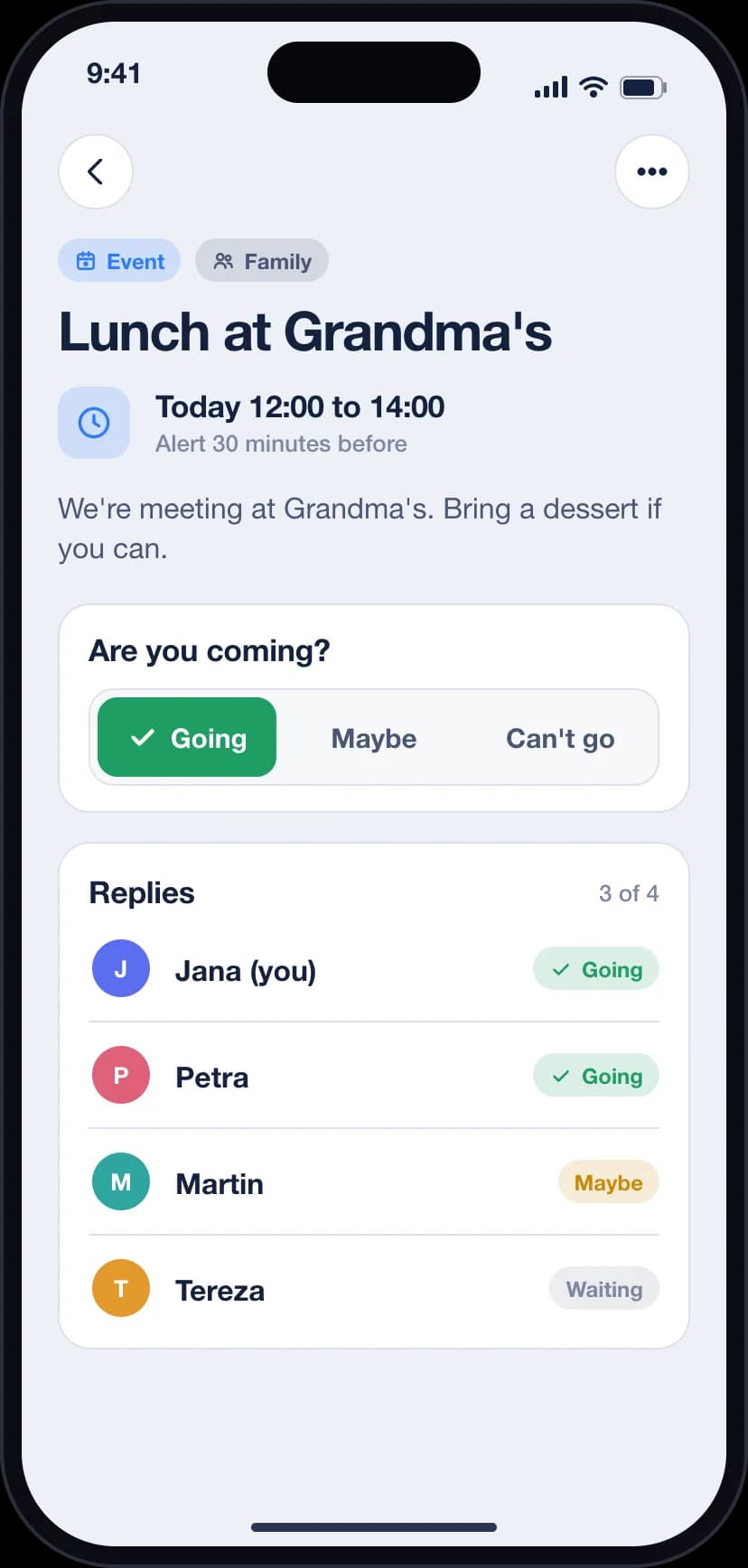
Plan together without the group chat chaos
Create a team for your family, flatmates or colleagues. Everything you save to the team is shared, everything else stays yours.
- Invite people by email.
- Events ask everyone to reply: going, maybe or not going.
- Shared lists update for everyone.
- Assign tasks and see when they are done.
Personal stays personal
Items you keep to yourself are visible only to you. Not to your team, not even to the owner of a team you belong to.
- Team items are shared only with the members of that team.
- Our admin tools show account details and counts, never your notes, lists or photos.
- Photos are resized and stripped of location data when you upload them.
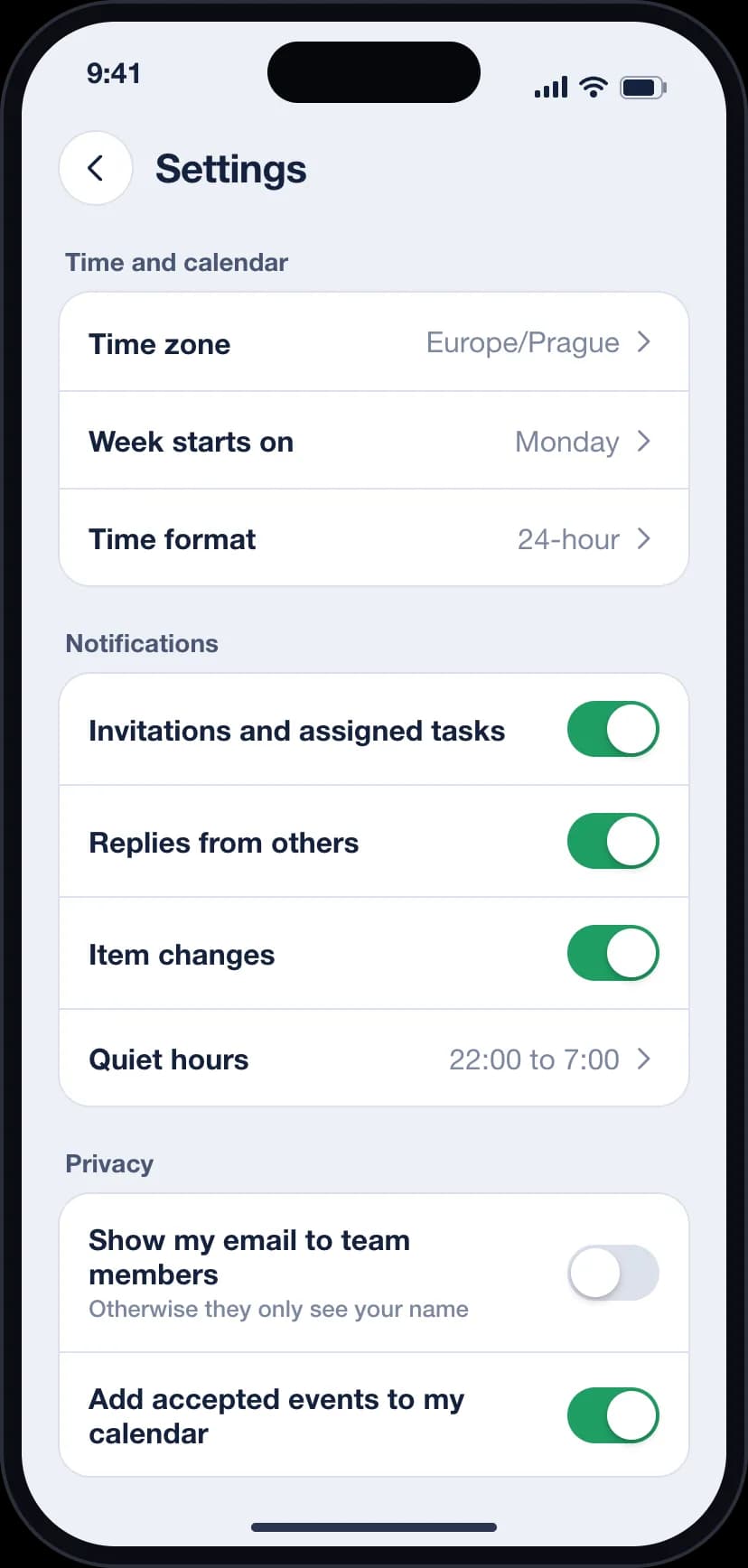
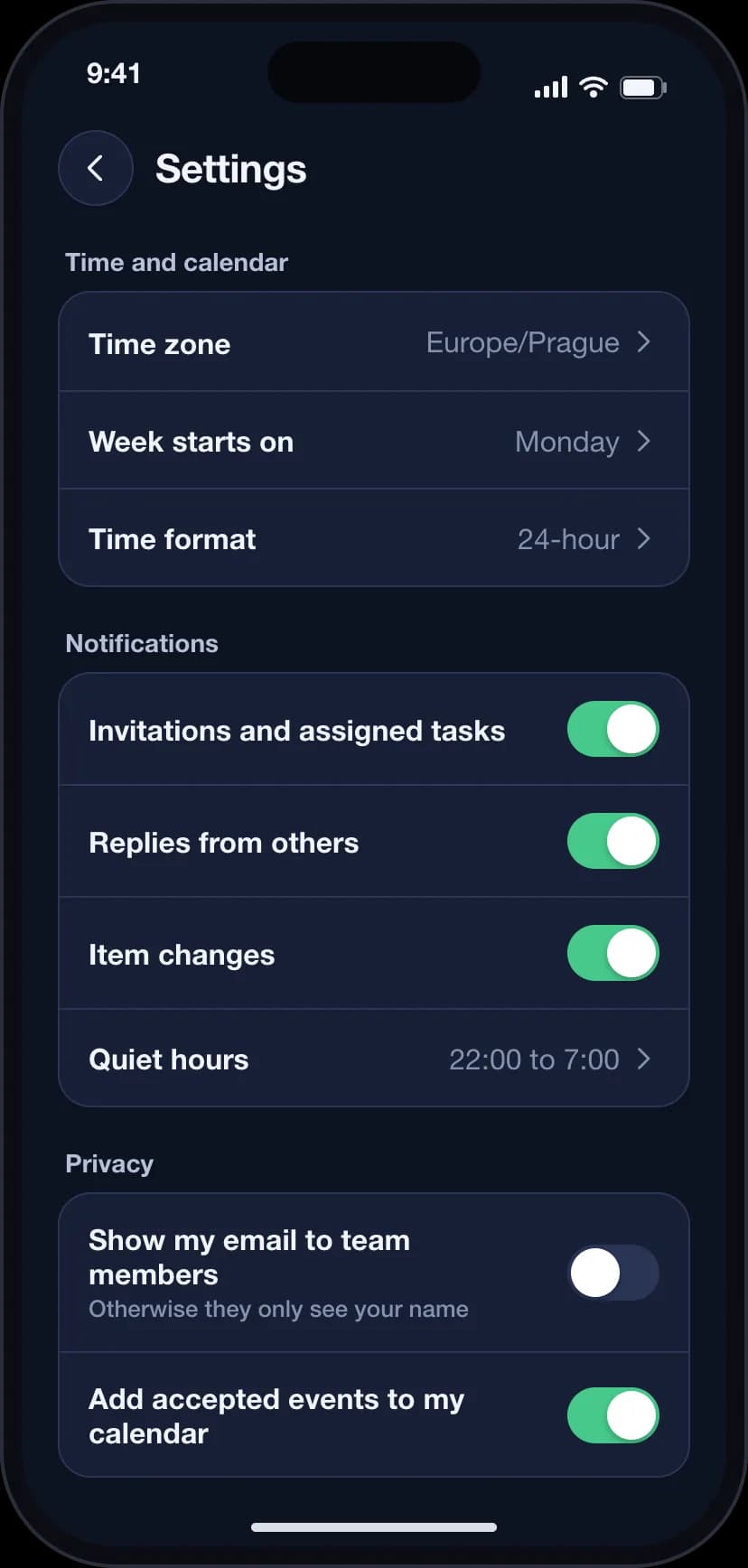
Light, dark and in your language
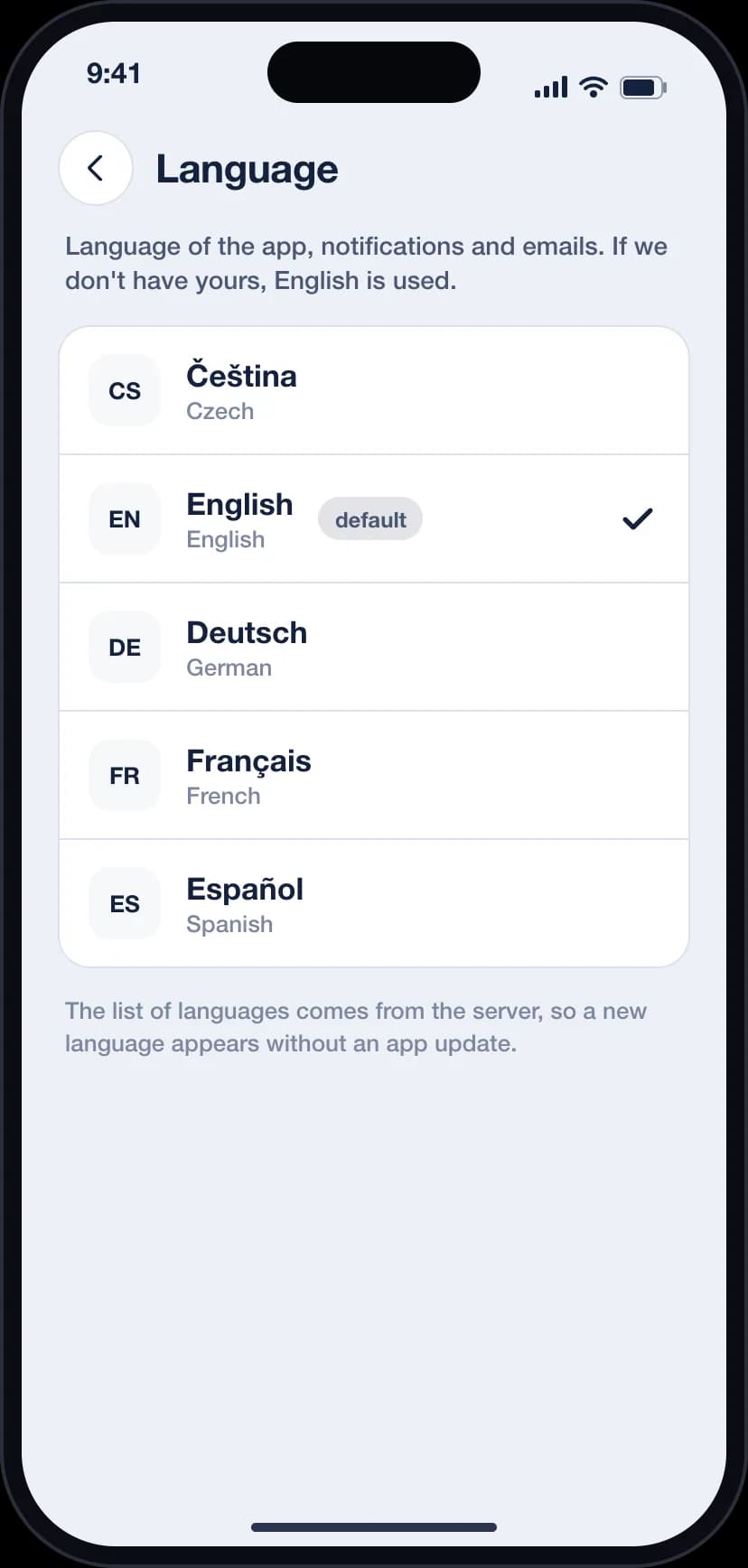
Sched follows your phone's appearance and speaks your language. Notifications and emails use it too.
Questions and answers
Who can see my notes and lists?
Only you, unless you save an item to a team. Team items are visible to the members of that team and nobody else.
How do team events and replies work?
When you create an event for a team, every member gets an invitation and answers going, maybe or not going. You see all replies on the event.
Does Sched work offline?
Yes. Changes are saved on your phone and synced as soon as you are online again.
Which devices does it run on?
Sched is built for iPhone and Android. Web, Windows and macOS apps are in the works.
Can I delete my account?
Yes, in the app. You are signed out everywhere and your data is removed after a short grace period.
Which languages are available?
The languages listed on this page. More are added over time and appear in the app without an update.
Ready to plan your day?
Download Sched and put your notes, lists and plans in one place.